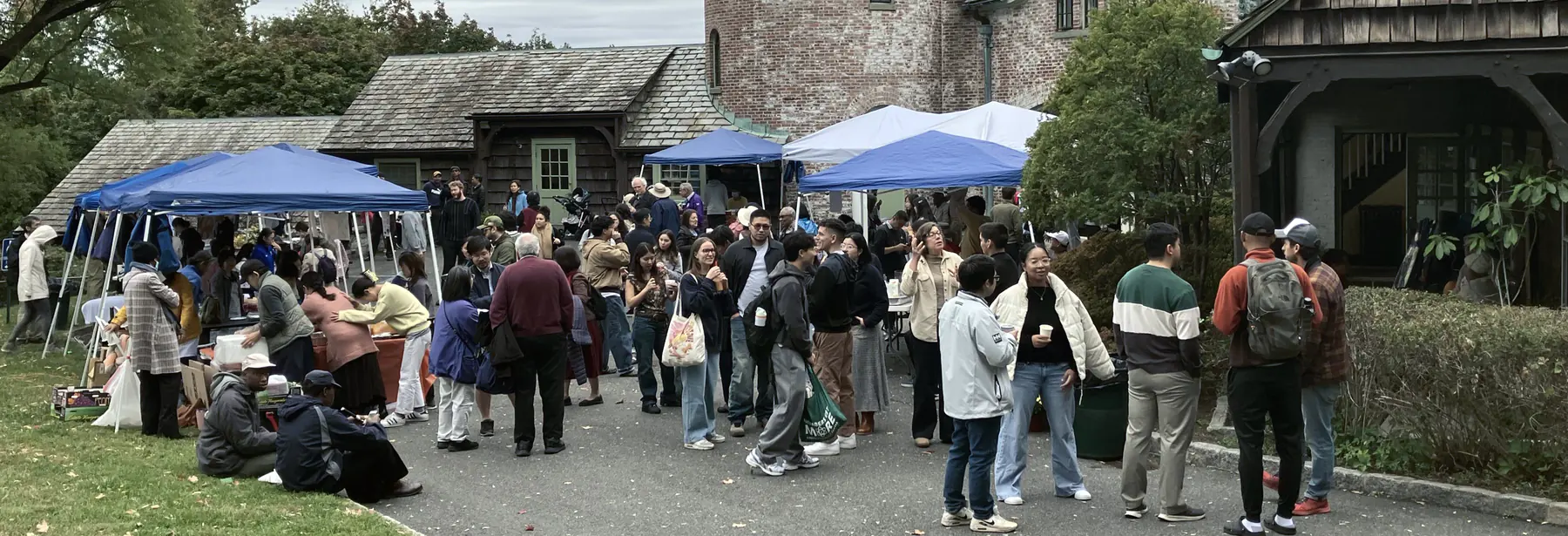
Checklist
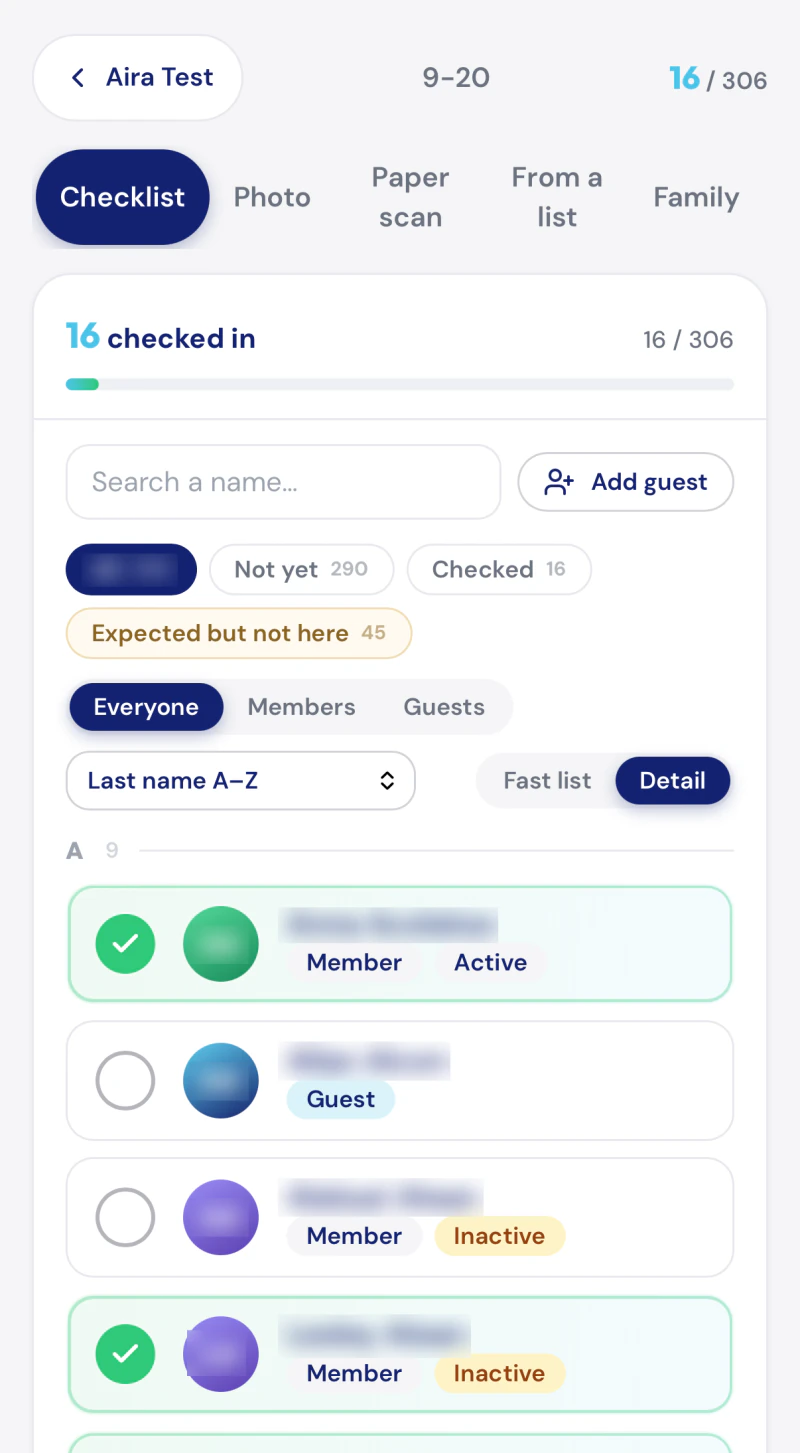
Everyone, in the order you would read it
The roster from your sheet, on the phone. Tap the people who came.
Sunday attendance
Rollcall takes attendance on Sunday and writes it into the Google Sheet your community already keeps.
Get your community's link
A real screen. Names blurred.
The clipboard
Somebody carries the clipboard to the table by the door.
It comes back full, and it goes in the folder with the others.
Nobody types it up. There is always a Sunday in front of the last one.
So nobody notices the family that stopped coming.
What we propose
Rollcall reads and writes the Google Sheet your community already keeps. That sheet is still the record. Nothing moves into somebody else's database, and nothing about the way you keep it has to change.
There is nothing to install and no account to make. Your community gets one link and one PIN. Whoever is taking attendance opens the link on their own phone, or on whatever is already open at the welcome table, types the PIN, and starts.
| Last Name | First Name | Type | 9-6 | 9-13 | 9-20 |
|---|---|---|---|---|---|
| Alder | Marguerite | Member | 1 | 1 | 1 |
| Fenn | Tobias | Member | 1 | 1 | |
| Fenn | Rosalind | Member | 1 | 1 | |
| Quill | Ines | Guest | 1 | ||
| Marsh | Amadeo | Member | 1 | 1 | |
| Hollis | Verity | Member | 1 | 1 | |
| Ferrier | Sam | Guest | 1 | 1 |
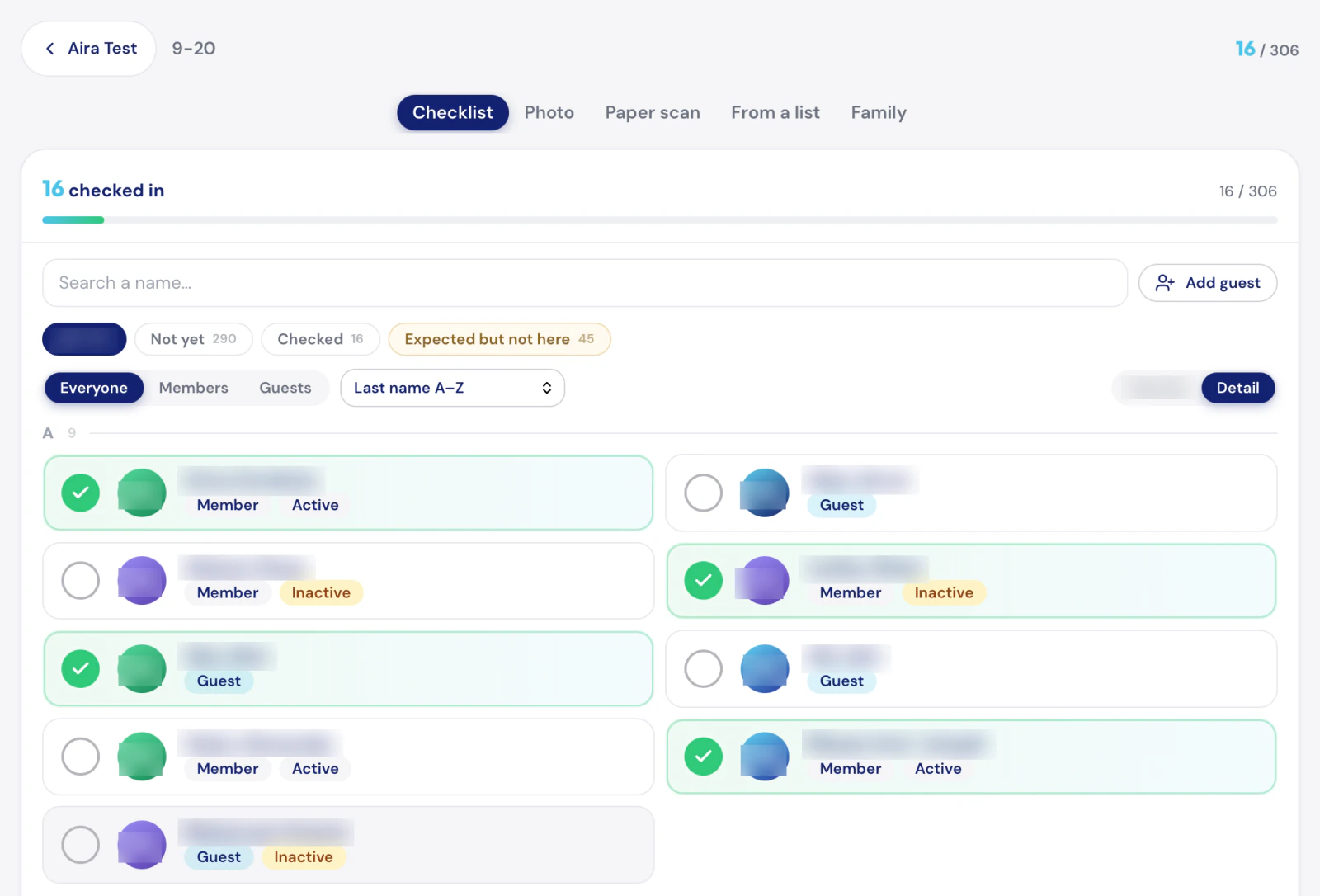
Four ways to take it
Pick whichever one fits the morning you are actually having. They all write to the same sheet.
Checklist
The roster from your sheet, on the phone. Tap the people who came.
Families
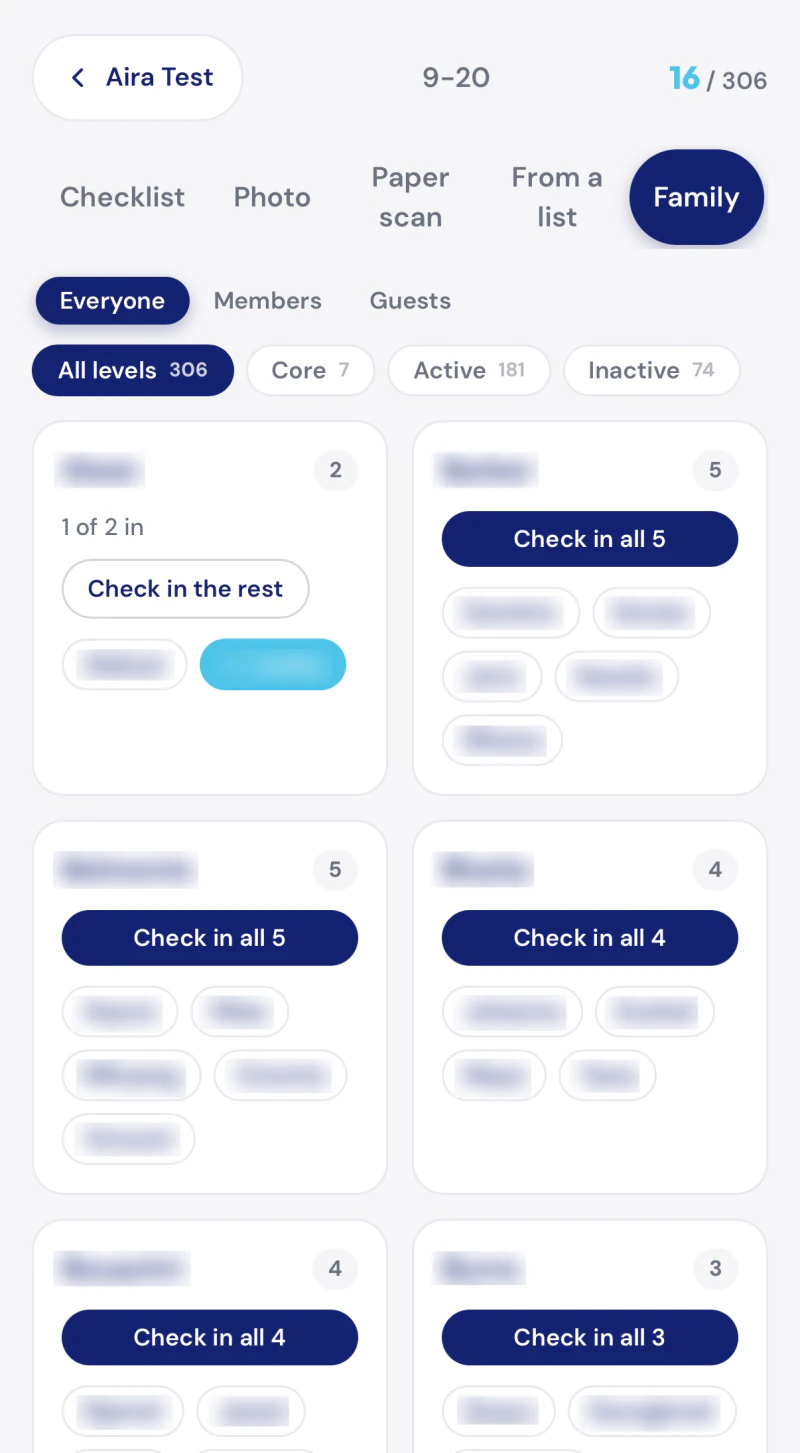
The families in your sheet stay families here. One tap checks in all of them.
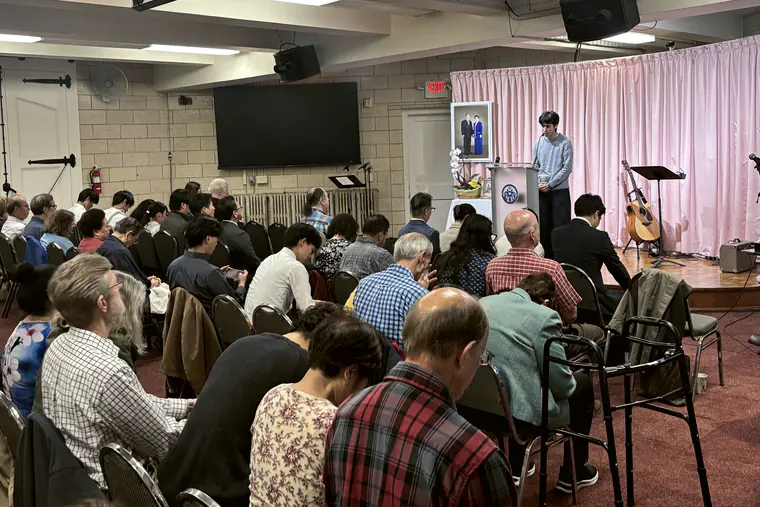
Photo
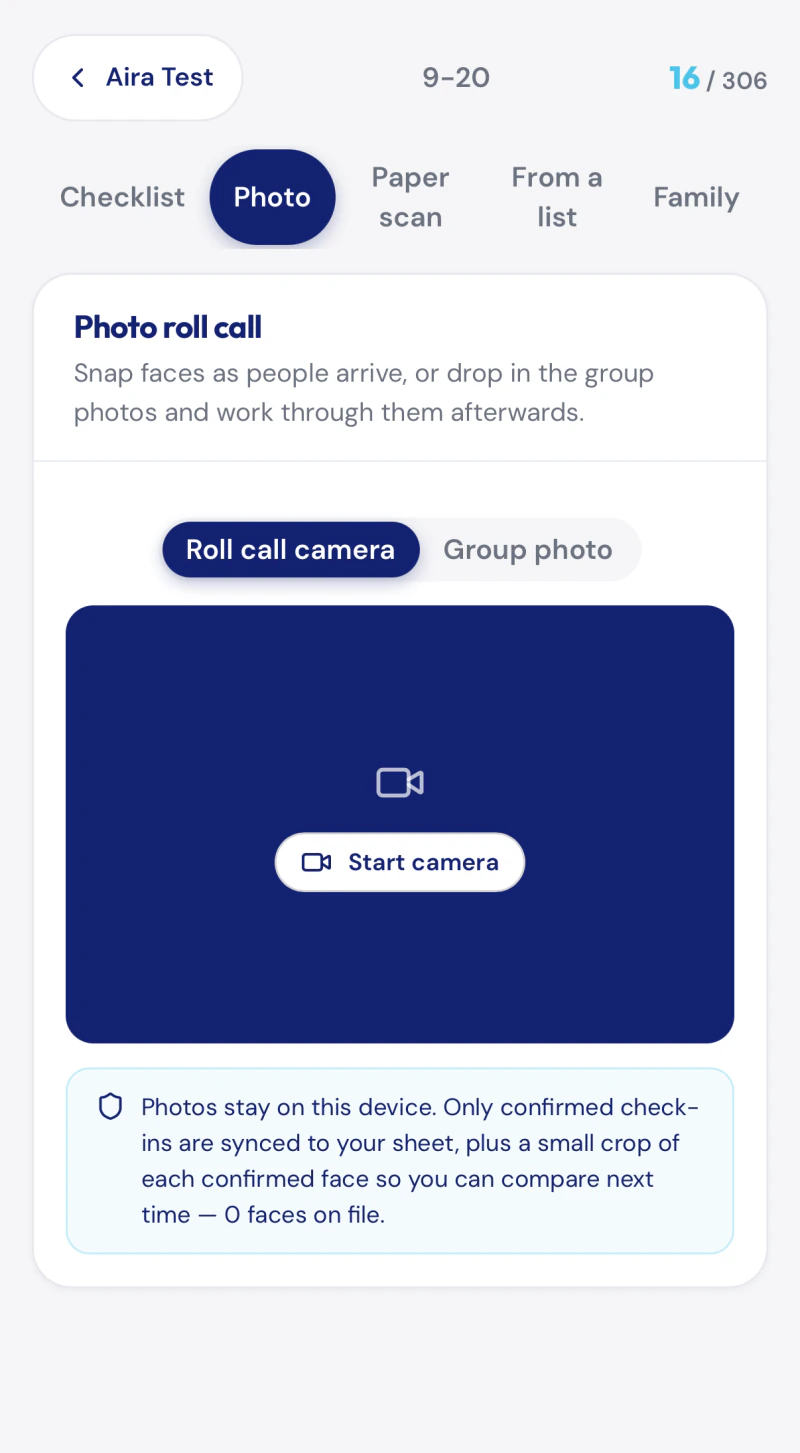
Faces are matched on the device. The photographs never leave the phone.
Paper
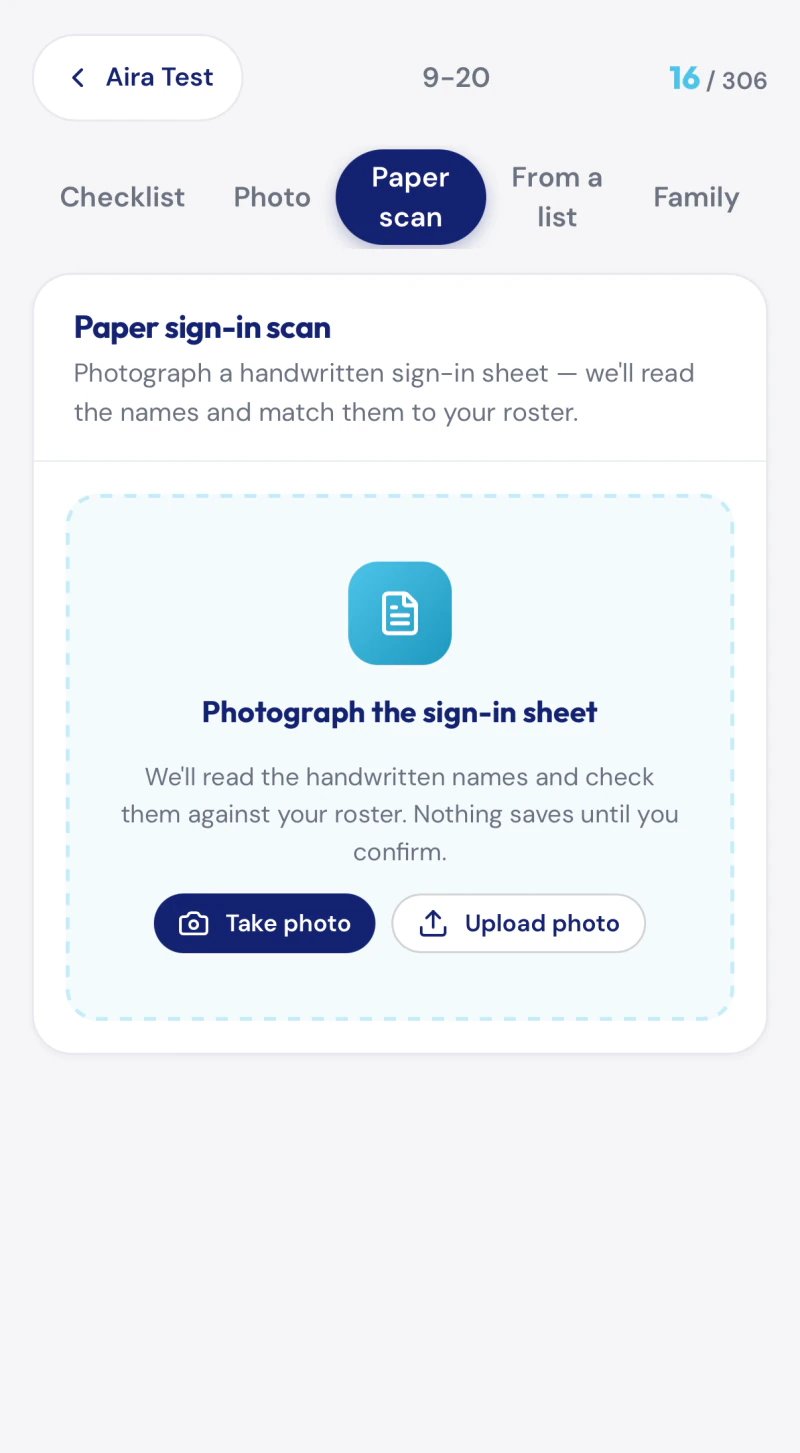
Photograph the handwritten sign-in sheet and the names are read off it.
Use one of them. Use all four. Two people can use two different ones in the same room on the same morning, and it is one column in the sheet at the end of it.
A notice
Some Sundays nobody has a phone out. Somebody signs a sheet by the door, in pen, and hands it to you on the way to the car.
The sheet reads itself
Example sheet. Every name on it is invented.
Riverside · sign in · 9-27
| Last Name | First Name | 9-13 | 9-20 | 9-27 |
|---|---|---|---|---|
| Alder | Marguerite | 1 | 1 | |
| Fenn | Tobias | 1 | ||
| Fenn | Rosalind | 1 | 1 | |
| Quill | Ines | 1 | ||
| Marsh | Amadeo | 1 | ||
| Hollis | Verity | 1 | ||
| Ferrier | Sam | 1 | 1 |
Photograph it on the way to the car.
The handwriting is read line by line, straightened out, and matched to the person it belongs to.
Then it is in your sheet, under this Sunday's date, like you had typed it yourself.

What stays on the phone
Photo roll call runs in the browser on the phone in somebody's hand. The pictures are matched there, and they stay there.
One thing is kept: a crop of the face that was matched, about ten kilobytes of it, so that the next time the app thinks it recognises somebody you can see the picture it is comparing against and say yes or no. That is the whole of it, and the app says so on the screen where you enrol.
The back page
Tell us the name of your community and where the sheet lives. You get a link and a PIN back, the sheet keeps being your sheet, and the first Sunday you use it is the first Sunday it is up to date.